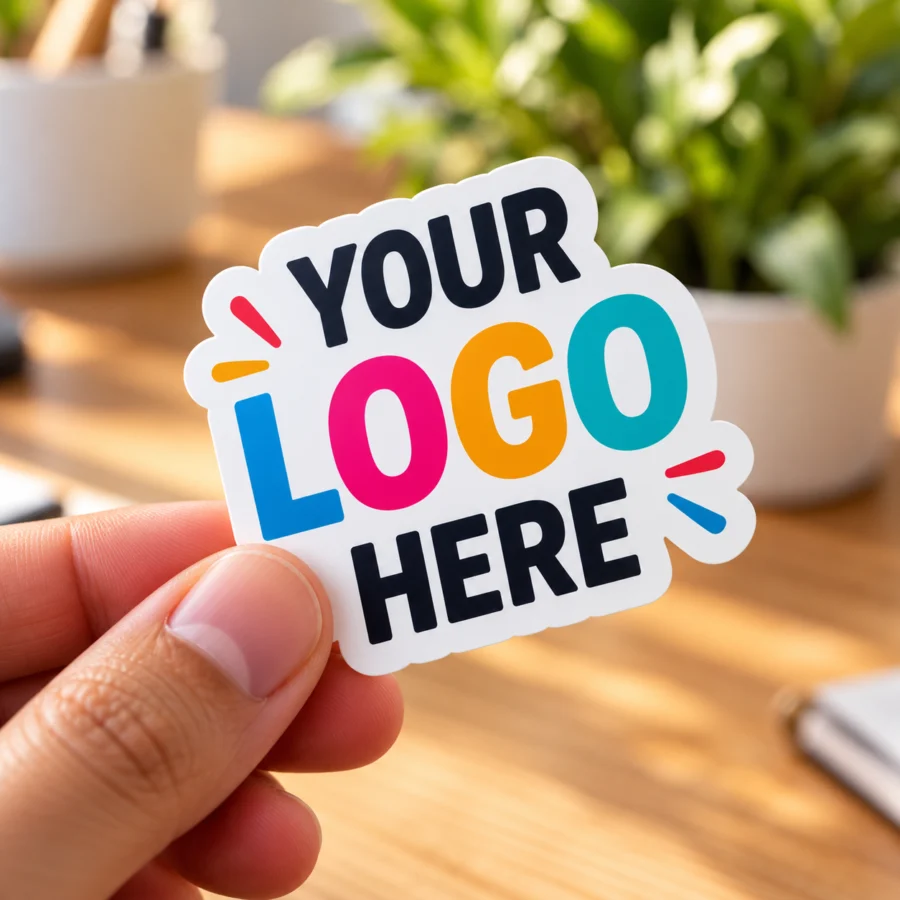
To order custom logo stickers, get a large PNG of your logo, choose a shape, size, material and quantity, then check the live preview before you buy. A first order takes only a few minutes, whether you want business logo stickers for packaging or thank-you stickers for your parcels.
1Get your logo file ready
Your logo file has more effect on the final sticker than anything else, so start here.
- Use a PNG, JPG or WebP file up to 15 MB. If your logo is a PDF, AI or SVG file, export it as a PNG first.
- Use the largest version you have. The larger the image, the sharper your stickers will print. Avoid logos saved from a website or social media profile, as these are usually small.
- Use a transparent background for die-cut stickers. A PNG with no background gives the cleanest outline around your logo.
2Choose a shape
Pick the shape based on where the sticker will go.
Making thank-you stickers? Add the message to your logo image before you upload it, for example your logo with “Thank you for your order”. A circle or square makes a neat seal for shipping boxes and mailers.
3Choose a size
Size means the longest side of the sticker. A quick way to decide is to cut a piece of paper to the size you are considering and hold it against your packaging.
| Size | Works well for |
|---|---|
| 1 or 1.5 inches | Envelope seals, jar lids, tissue paper and price tags |
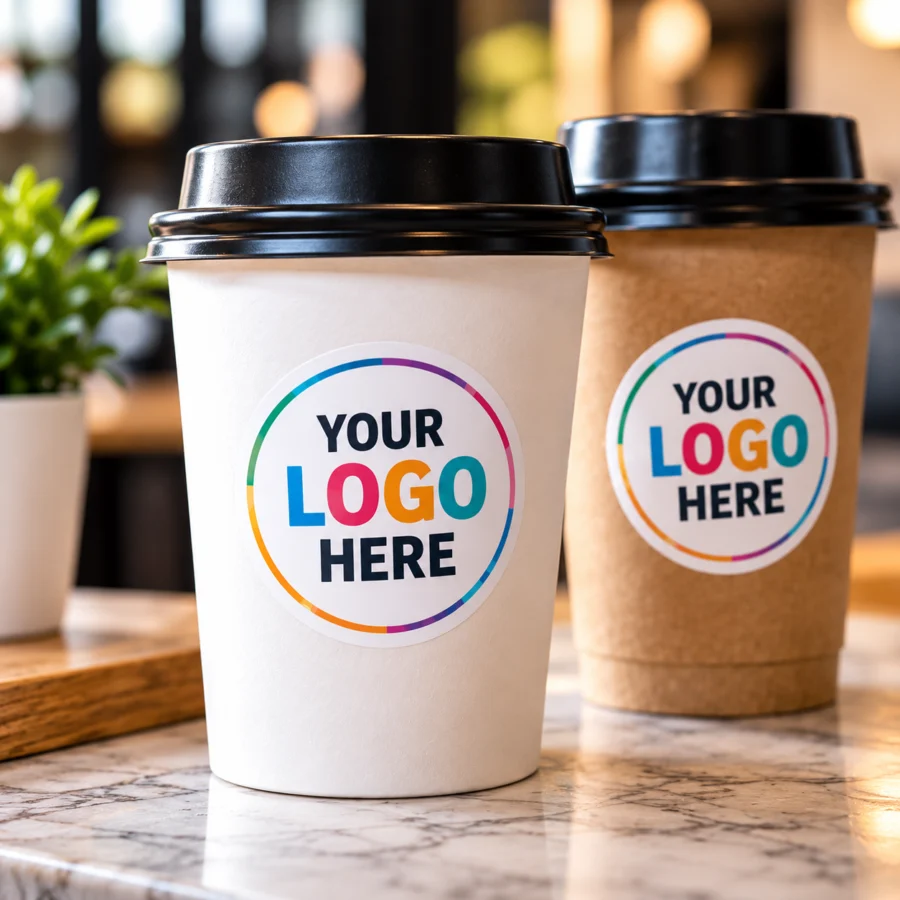
| 2 inches | Packaging and cups (our most popular size) |
| 2.5 or 3 inches | Product labels, bags, laptops and bottles |
Small text is harder to read on a small sticker. If your logo includes a tagline or fine detail, go up a size.
4Choose a material
Choose waterproof vinyl for anything that gets wet or handled, such as bottles, cups and products. Choose paper for mailers, boxes and bags that stay dry, where a lower price matters more. Our guide to vinyl vs paper stickers for packaging goes into more detail.
5Choose a quantity
The price per sticker drops as you order more. If this is your first order, a small pack is a low-risk way to test a design on your real packaging. You can compare every pack on our logo sticker price calculator.
6Check the preview before you order
Stickers are printed from the design in your preview, so take a moment to look it over.
- Is the logo centred, with nothing cut off at the edge?
- Is the smallest text still easy to read at the size you chose?
- If your logo has a QR code, does it scan from the screen with your phone?
Colours on a screen can look slightly different from print, so a small first order is also a good way to check your colours.
We print and cut every order in Calgary and ship within 1 business day, with free shipping across Canada. Local business? See logo stickers in Calgary.
Frequently asked questions
What file format is best for logo stickers?
A large PNG with a transparent background gives the sharpest print and the cleanest die-cut. JPG and WebP files up to 15 MB also work. Export PDF, AI or SVG logos as PNG first.
What is the minimum order for custom logo stickers?
The smallest pack is 25 stickers for 2, 2.5 and 3 inch sizes, and 50 stickers for 1 and 1.5 inch sizes.
How long do custom logo stickers take?
Orders ship within 1 business day, with free shipping across Canada. Calgary orders are delivered free within 1 business day.